How to Translate a Church Service Live: A Pastor’s Guide
 Collins Tam12 min readPastor of CCiL and co-founder of Event Translate
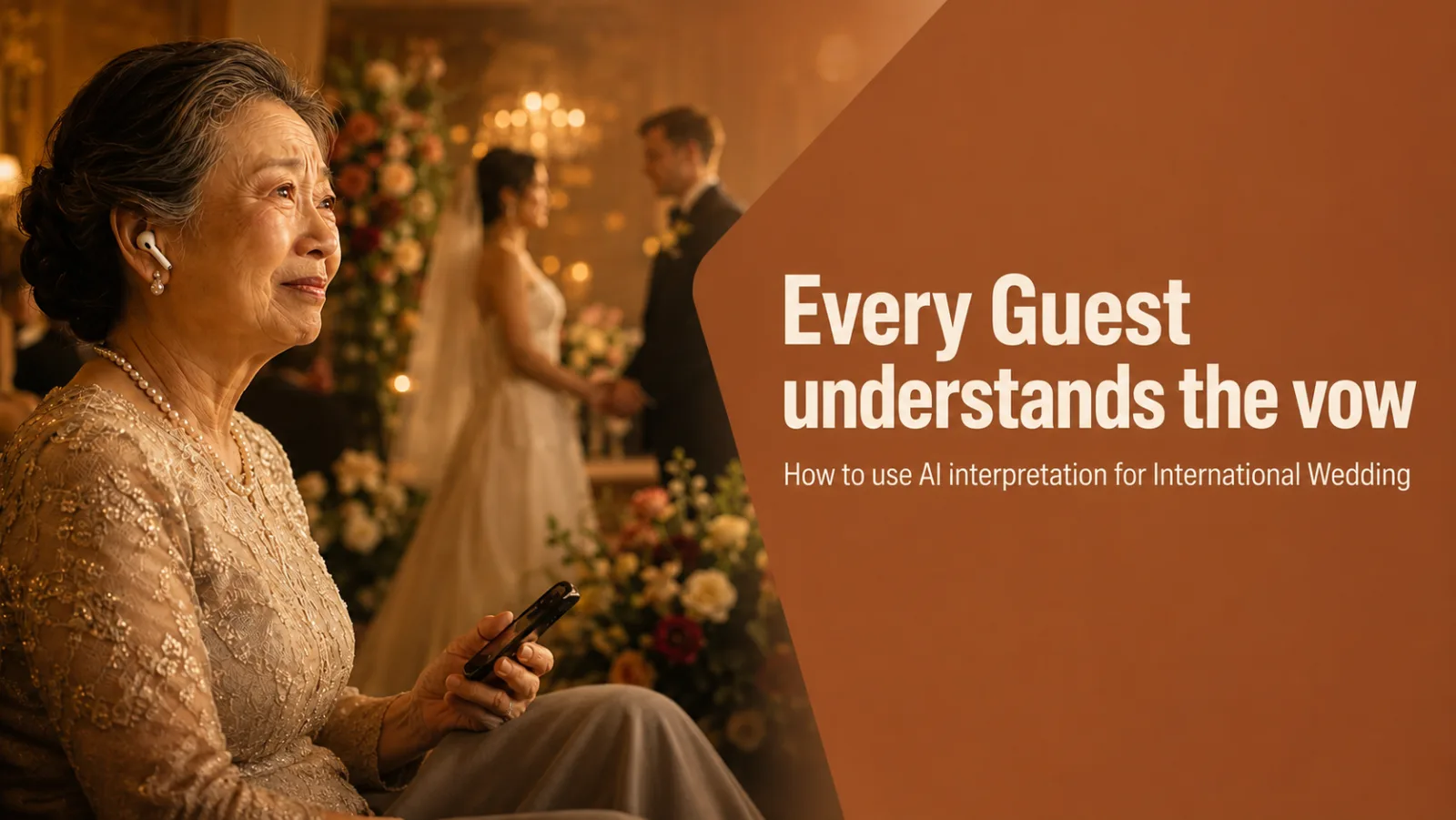
Every Sunday, somewhere near the back, someone stands when the church stands, bows when the church prays, and understands perhaps half of what is said.
She might be a grandmother who followed her family from Hong Kong. He might be an international student in his first British winter, or a couple from Brazil who found you on Google Maps. They came to worship, and they are worshipping, just a few seconds behind everyone else and a few words short.
In 2025 I was preparing for a multilingual church gathering of more than a thousand people in London. Between them they spoke Cantonese, Mandarin and English, and many would be listening in their second or third language.
I asked my husband Daniel, a software engineer, to find us a live translation tool. Everything we tried was either too expensive or fell apart in real life: fast preachers, imperfect audio, delays and complicated venue setups. Cantonese was the hardest of all; most tools barely understood it. So Daniel built his own, and that tool became Event Translate.
This guide is what we have learned since, from Sunday services to a mission event on board a ship. It is written for pastors, church administrators and the faithful volunteers behind the sound desk. Today a church translation system can run on your congregation’s own phones, with no headsets to hand out.
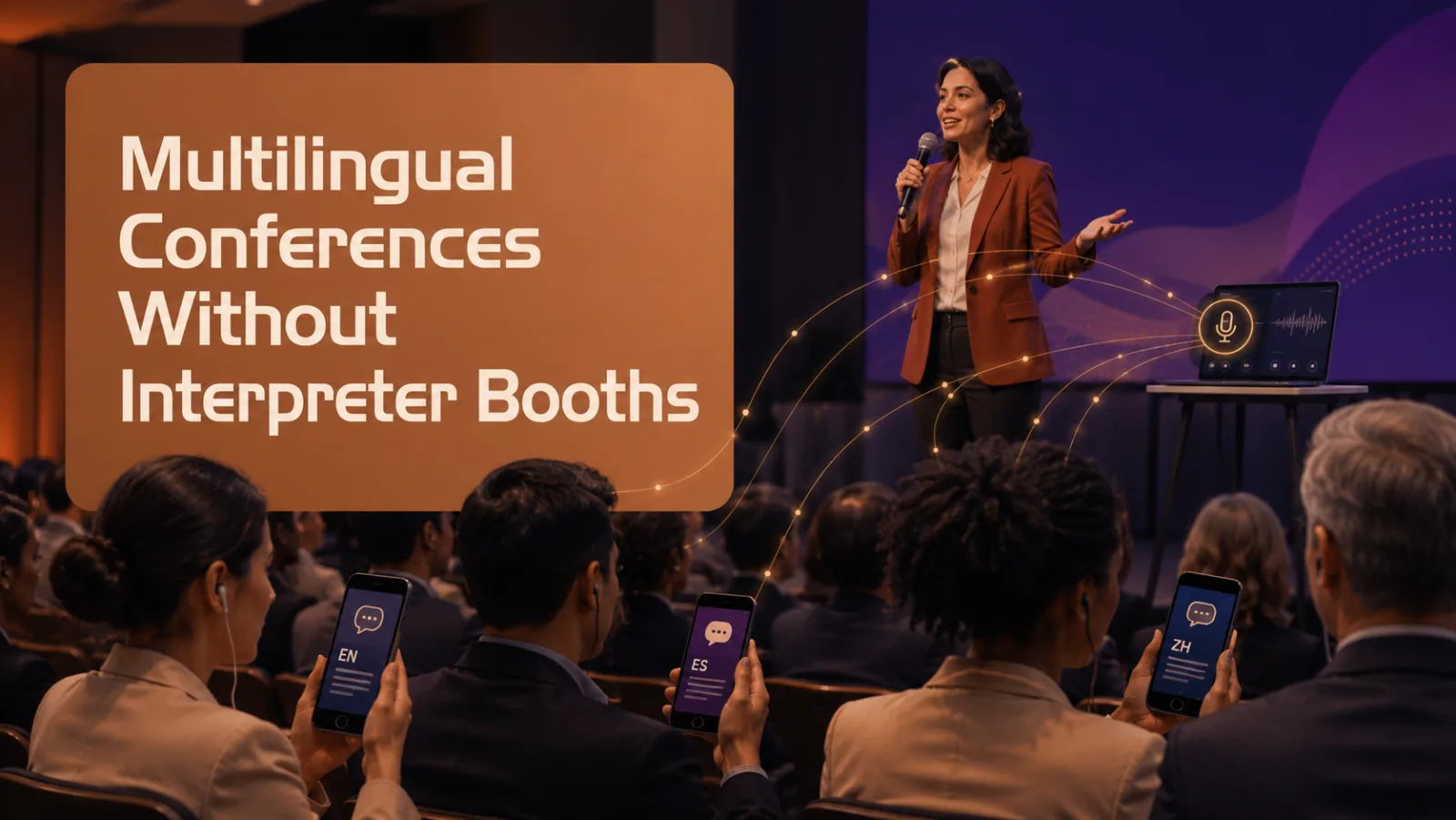
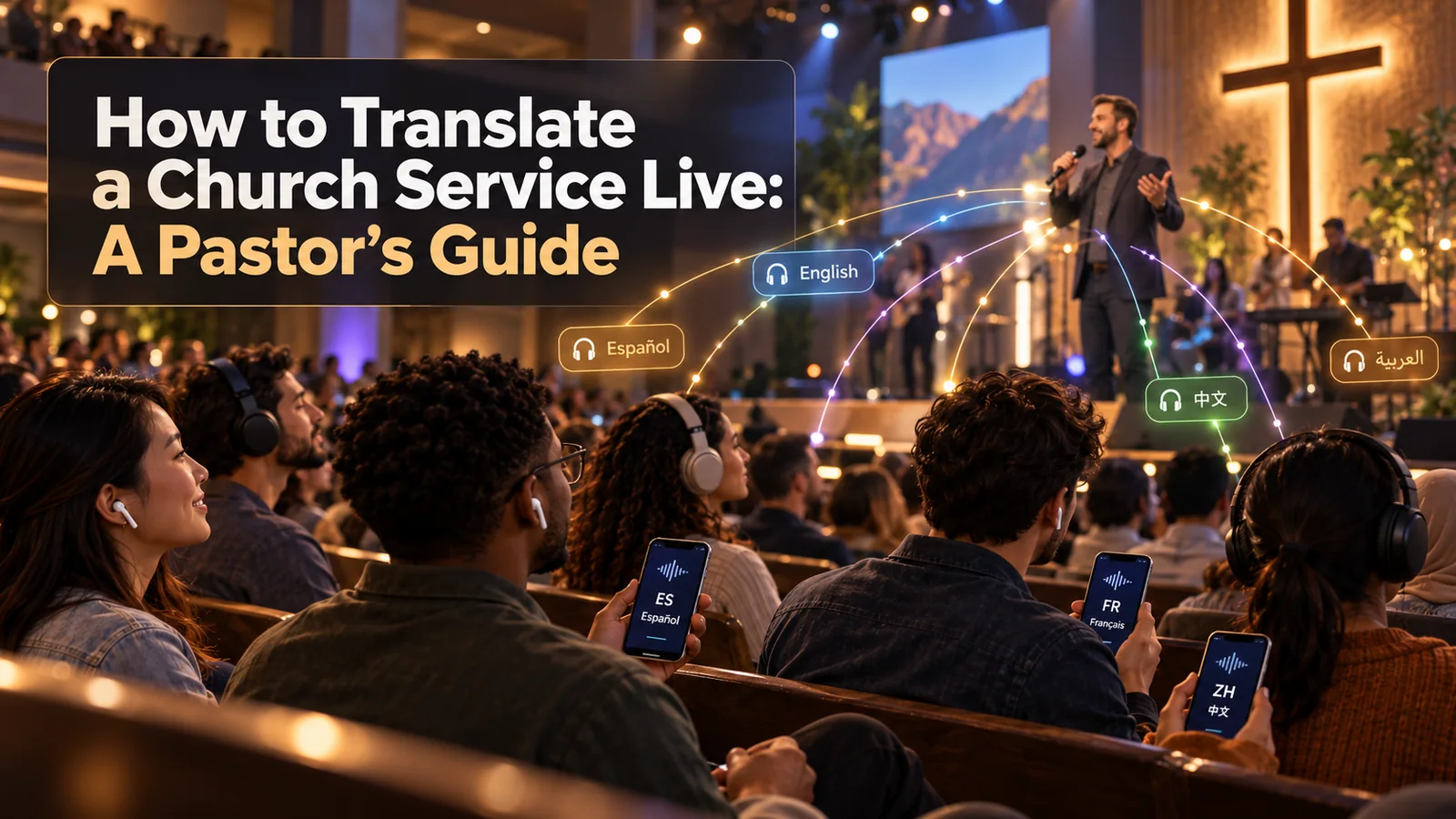
The short answer: to translate a church service live, send a clean feed from your pulpit microphone or sound desk into a laptop running a live AI translation tool, choose the languages your congregation needs, and put one QR code on the welcome slide. People scan it, pick a language, and hear the sermon or read captions on their own phones. No headsets, no transmitters, no interpreter booth, and nobody has to sit apart from their family.
Why translation is a pastoral question, not a technical one
At Pentecost the crowd in Jerusalem was astonished because “every man heard them speak in his own language” (Acts 2:6, KJV). The wonder was not that the apostles were clever linguists. It was that nobody was left outside the good news.
Most churches are more multilingual than their Sunday programme admits. When a newcomer cannot follow the sermon, the message they take home is not the one we preached. It is that this church was not built for them.
Translation will not build community on its own. The welcome at the door, the invitation to lunch and the slow work of learning names matter more. But language is one of the hardest barriers for a newcomer to cross alone, and it is now one an ordinary church can lower.
Church translation options, compared
Churches usually choose between four approaches. Each has its place; the right one depends on how many languages you need and how many skilled volunteers you have.
| Option | How it works | Languages at once | Effect on the sermon | Equipment and weekly effort | Best for |
|---|---|---|---|---|---|
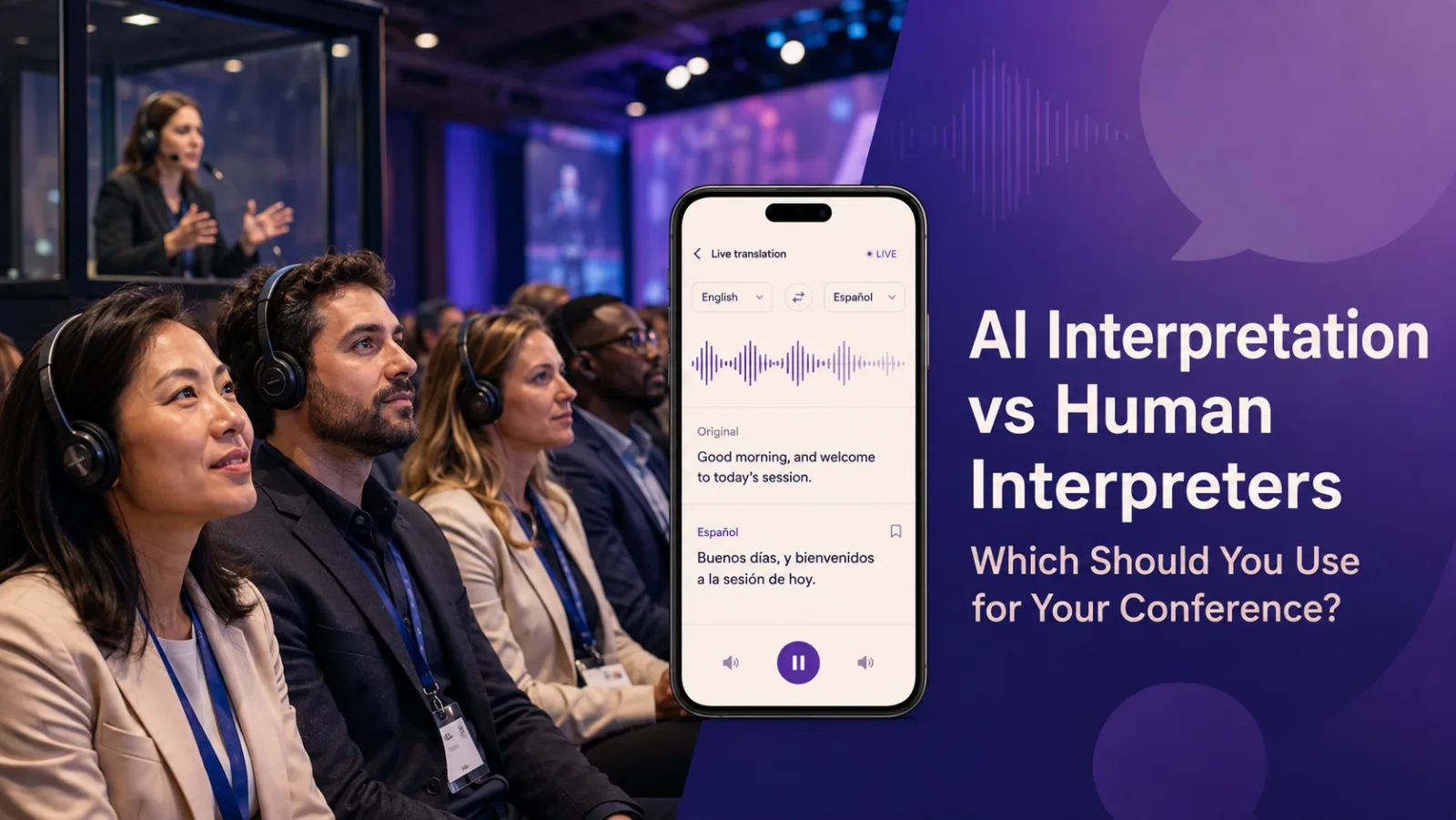
| Interpreter on stage (consecutive) | The preacher pauses after each sentence and the interpreter repeats it | 1 | Roughly half the content fits in the same time | A second microphone and a skilled volunteer every week | Guest speakers, testimonies, one dominant second language |
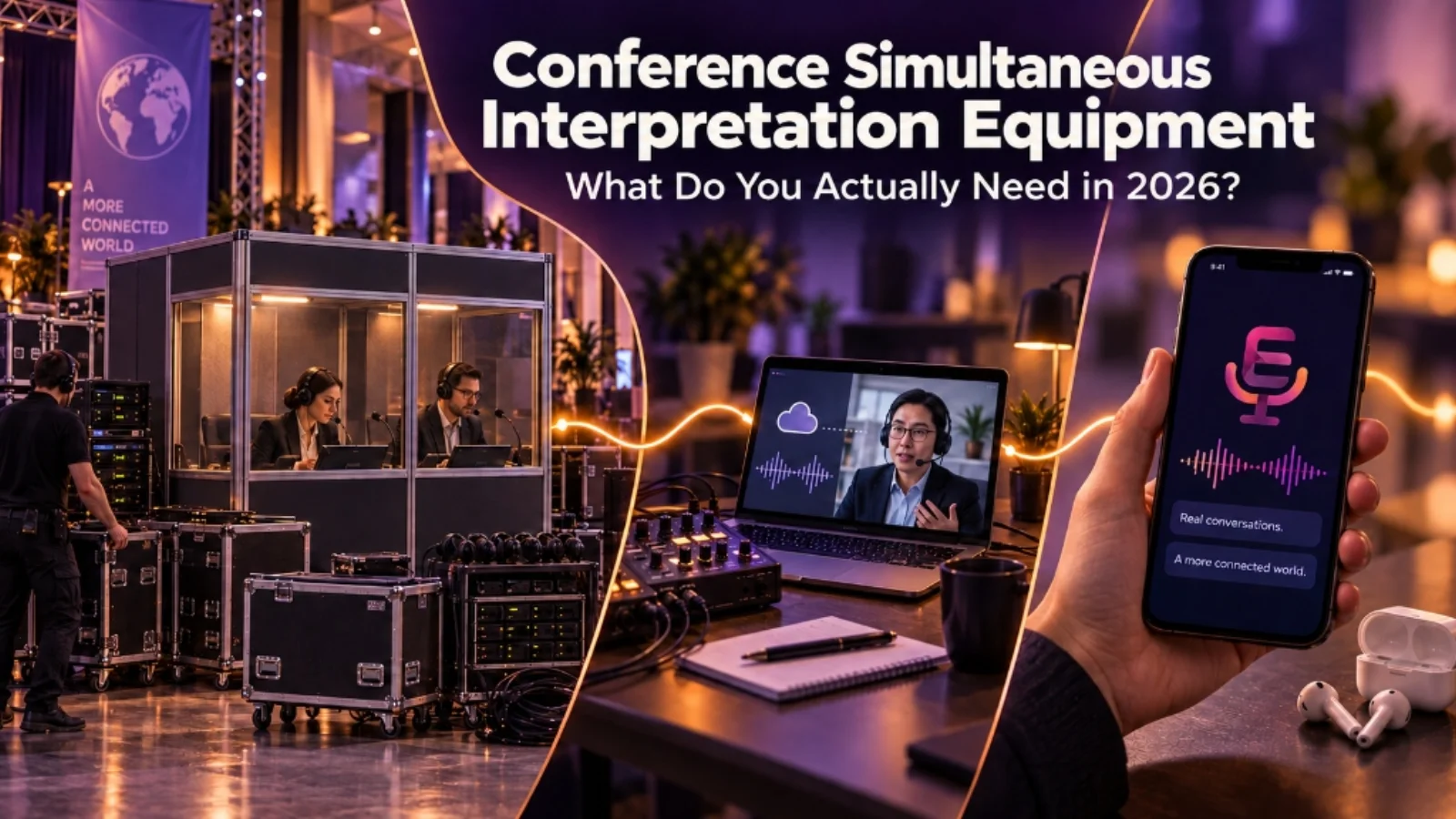
| Interpreter with headsets (simultaneous) | An interpreter speaks into a transmitter while listeners wear receivers | 1 per interpreter | None | A receiver and headset for every listener, charged, handed out and collected | Large churches with a trained interpreter team |
| Captions on the main screen | Live text shown to the whole room | Usually 1 | None | A screen and an operator | Deaf or hard-of-hearing members, one shared second language |
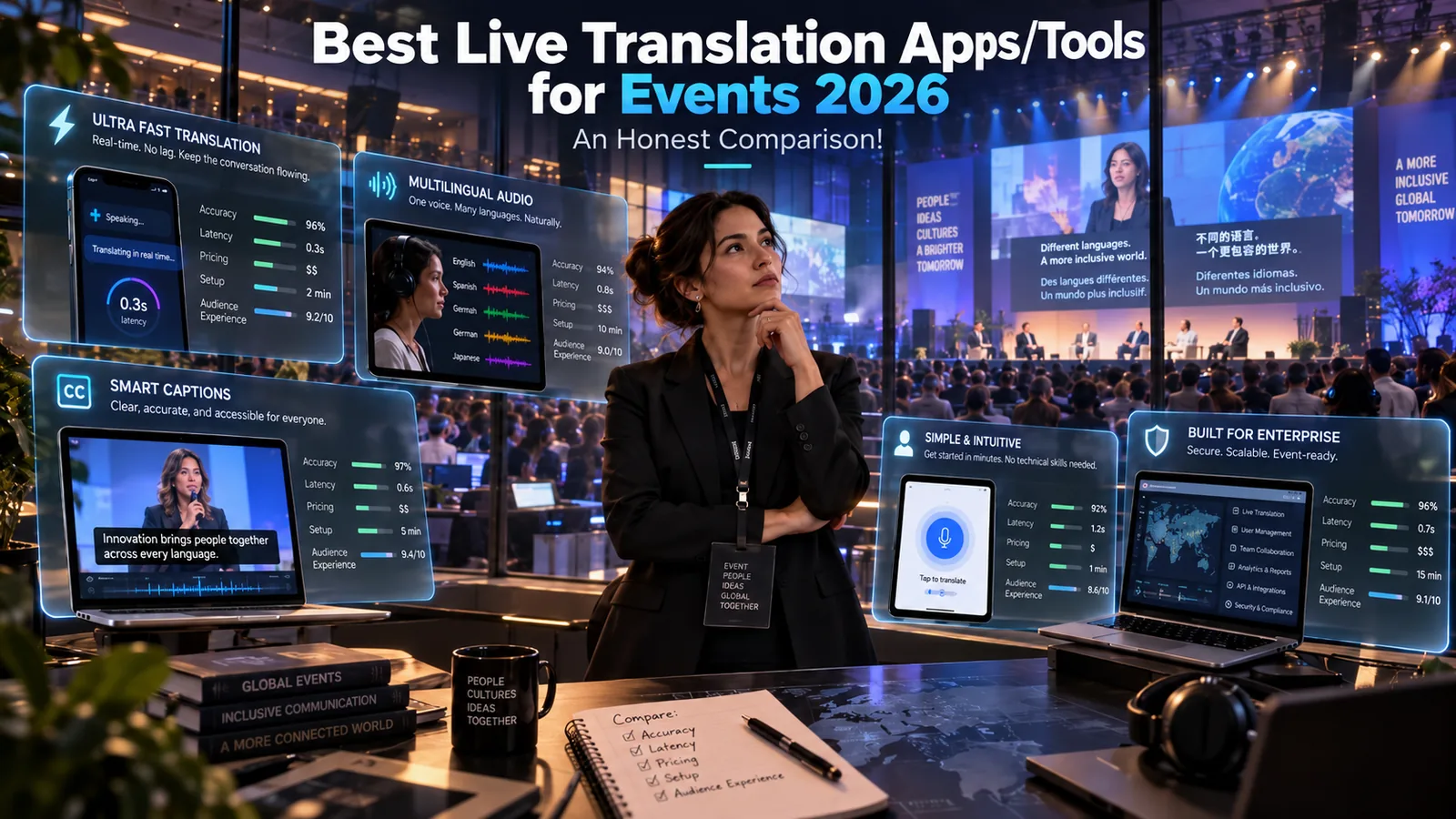
| AI translation on phones | The pulpit audio goes to a laptop; listeners scan a QR code and choose a language | Several (Event Translate offers up to 86) | None | A laptop, a feed from the sound desk, members’ own phones and earphones | Mixed congregations, newcomers, languages nobody on your team speaks |
Many churches combine them: AI translation on phones every week, and a trusted human interpreter for baptism testimonies, membership classes or a visiting speaker’s Q&A.
What AI translation does well, and where you still need people
AI translation is strong on the spoken backbone of a service: the sermon, Bible readings, prayers, notices and the welcome. It does not tire halfway through a long sermon, and it can serve several languages at once.
It is weaker exactly where people are strong:
- Poor audio: a phone at the back of the hall hears the room, not the preacher.
- Overlapping voices on a single feed, such as a whole congregation responding together. For a panel, Multi-mic mode can keep two speakers apart when each comes in on its own channel.
- Singing: Event Translate is built for speech, so hymns and worship songs are not translated (more on that below).
- Moments that need pastoral judgement: counselling, safeguarding conversations, one-to-one prayer ministry, anything where a misunderstanding could hurt someone. Use a trusted human interpreter there.
Expect very good, not perfect. A few names may come out wrong on the first Sunday; the glossary step below fixes most of them.
How to set up live translation for a Sunday service
Do your first setup on a weekday, not ten minutes before the service. After that it becomes one more line on the Sunday checklist.
1. Ask which languages your people actually speak
Don’t guess from faces. Add one question to your welcome card or connect form: “Which language do you find easiest for worship?” The answers often surprise you, from a language nobody knew was in the room to Mandarin speakers who would rather hear Cantonese.
2. Take a clean feed from the sound desk
Audio quality matters more than anything else. Send a dedicated output from your mixer (an AUX or matrix send) that carries the pulpit and reading microphones and leaves out the band, backing tracks and audience microphones. Connect it to the laptop through a USB audio interface, or through the mixer’s own USB output if it has one. In a small room with no mixer, a clip-on microphone on the preacher works well, plugged into the laptop or into a phone running the Event Translate Stage. Test that microphone with the same phone and browser before Sunday. Our audio and mixer guide walks your sound team through it.
3. Build your church glossary
Before the first Sunday, choose the “Christian church” Event type and add the words a general model cannot guess: your church’s name, your pastors’ and elders’ names, ministry names (“Connect Groups”, “Kids’ Church”), local place names, and terms that are easy to mistranslate, such as “the Lord’s Supper”, “sanctification” or “the elders”. If your members use a particular Bible translation in their language, add its preferred terms for that language. The glossary locks once translation starts, so finish it before you go live.
4. Put one QR code everywhere
Use the same link and QR code every week, so it becomes as familiar as the Wi-Fi password. Put it on the welcome slide, the notice sheet, seat-back cards and your newcomers’ group chat, with one line of instruction: “Scan, choose your language, use one earphone.” Keep a small box of inexpensive earphones at the welcome desk.
5. Brief your preachers
Preachers don’t need to slow to a crawl, but a few habits help the translation, and frankly help every listener:
- Finish your sentences. Translation follows natural pauses.
- Say Bible references in full: “Romans chapter eight, verse twenty-eight.”
- When you use an idiom or a local cultural reference, add half a sentence of plain explanation.
- Stay on the microphone when you step away from the pulpit; a headset microphone helps.
- Repeat your main point once. It helps translation and memory alike.
- Switching languages is fine. If your preacher moves between, say, Cantonese and English, set the source language to Multi-language and the system follows.
6. Rehearse on a weekday
Run a short test with the real microphones and a few bilingual members listening on their own phones. Include a handover from the worship leader to the preacher, and someone reading from the lectern. Then ask your testers one question: “Could you follow it?”, not “Was every word perfect?”
One service, many languages
Many churches solved language by splitting: an English service at ten, a Cantonese or Mandarin service at noon. It works, but it quietly divides families. Grandparents worship in one room, grandchildren in another, and one church becomes two congregations sharing a building.
Live translation offers another way. Preach once and let each person choose: the grandparent listens in Cantonese, the teenager reads English captions, the visiting friend follows in Portuguese.
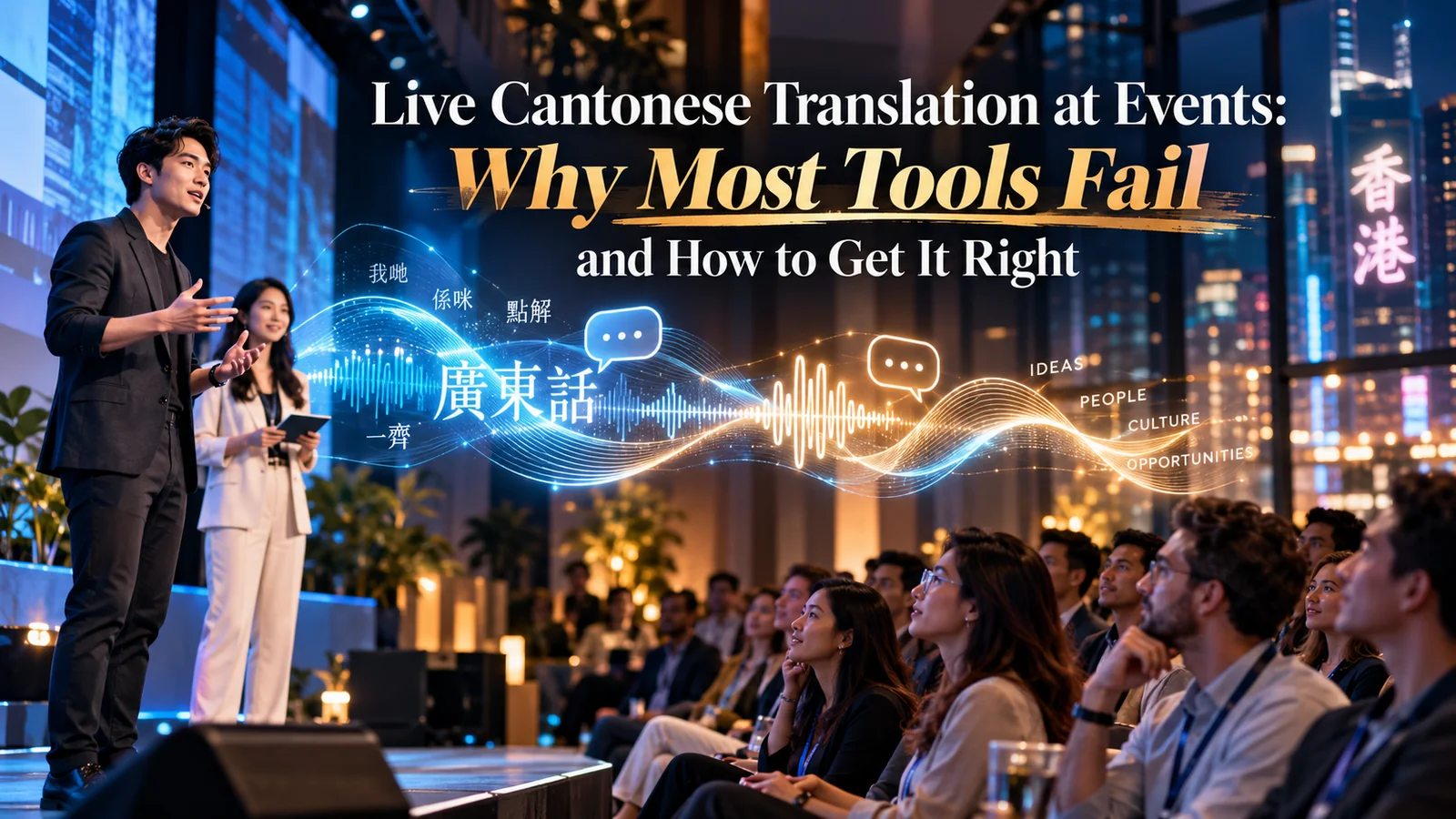
Mixed-language preaching used to break most tools. In many Hong Kong churches a preacher might say “今日我哋講 grace 同 forgiveness” (“today we’re talking about grace and forgiveness”) in one breath. Most systems expect a single source language and drop the other. Event Translate detects more than 70 spoken languages automatically and follows a speaker who switches mid-sentence, including Cantonese and English. In our own test of colloquial Cantonese, published on our homepage, it scored 94.9% accuracy against 58% for a standard model.
From the field: a mission ship and a trilingual mission event
In 2026 we ran live translation on board Logos Hope, the global missionary ship of OM (Operation Mobilisation). On 4 July, while the ship was docked at ExCeL London during OM’s Waves of Hope tour, more than 200 people gathered on board for NEXT 2026, with the programme in Cantonese, Mandarin and English. The stage microphones ran through the ship’s mixer into a laptop running Event Translate in Multi-mic mode.
The highlight was a panel interview. The host and guests often talked over each other, as good conversations do, yet Multi-mic mode kept each voice distinct and the translation stayed accurate.
Cheuk Chung of OM put it simply: “It is a powerful tool for organisations with limited resources that need to run bilingual events or conferences. It allows them to focus on the programme itself instead of worrying about the heavy logistics and man-power of live interpretation.”
The organisers of a trilingual church short-term mission event in the UK had been let down before. As Ricky from their audio-visual team told us: “We’ve tried several translation products before, but none of them worked well, especially for Cantonese. Your product was clearly better when we used it last time.”
And at the multilingual conference of more than 1,400 people that I organised in London, for the first time everyone could follow the same message in their mother tongue, even without many volunteers or much equipment. And yes, the translated voice might be an upgrade on mine.
Worship songs, liturgy and what to leave to print
Live AI translation is built for speech, so it will not translate hymns or worship songs, and you wouldn’t want it to: a lyric read two seconds late is no way to sing.
- Songs: show lyrics in two languages on screen or in print. Check your song licence and the publisher’s permissions before showing translated lyrics.
- Fixed liturgy: put the Lord’s Prayer, creeds and communion words on slides or paper in each language, ideally in the version your members already know by heart.
- Long music sets: usage follows the time translation is live, so start it when the spoken programme begins and stop it after the notices. If you pause for a long worship set mid-service, test the stop and restart at rehearsal so you know what listeners see.
What it costs
Event Translate charges for translation time, not for listeners. One credit is one minute of one target language, so a 90-minute service in two languages uses 180 credits whether 10 people listen or 500.
On-demand credits suit occasional events. A monthly plan suits weekly services, and unused monthly credits roll over for up to 6 months. Compare that with a headset system, where every listener needs a receiver that someone must charge, hand out and collect each week. See current prices.
Your Sunday checklist
- Laptop charged and on wired internet or a dedicated Wi-Fi network
- Sound-desk feed connected, and the input meter moves with the preacher’s voice
- Languages chosen; glossary updated for this week’s preacher and passage
- QR code on the welcome slide and the notice sheet
- Earphones at the welcome desk, plus a reminder in the notices to bring their own
- One volunteer named to help anyone who can’t join
- Translation started with the spoken programme and stopped after the notices
The person at the back
If you are a pastor reading this on a Saturday night: the person at the back of your church came to hear about Jesus. Let’s make sure they can.
Try it on a midweek meeting first. Start a free 20-minute trial, no card needed, and run it with your own microphones, your own preacher and a few bilingual friends listening on their phones. Comparing tools for your church? See Event Translate vs Hope Translator or read more about our church translation system.
Frequently asked questions
Can AI translate a sermon accurately?
Yes, well enough for most listeners to follow closely, as long as the audio is clean. Accuracy depends most on the microphone feed, the preacher’s pace and whether names and terms are in the glossary. It is not perfect, so use a trusted human interpreter for counselling or safeguarding conversations.
Do people need to download an app?
No. They scan a QR code or open a short link, choose a language and listen or read in their phone’s browser. No app, account or rented receiver is needed.
Can members sit with their families?
Yes. Everyone follows on their own phone, so nobody has to sit beside an interpreter or in a separate section. One earphone keeps them part of the room.
Will it translate hymns and worship songs?
No. It is built for speech: sermons, readings, prayers and notices. Show song lyrics and fixed liturgy on screen or in print in each language.
What if our preacher switches between languages?
Set the source language to Multi-language. Event Translate detects more than 70 spoken languages automatically and follows a speaker who switches mid-sentence, including Cantonese and English.
How many languages can we offer at once?
On paid plans you can run as many of the 86 target languages as you need in one service, each delivered as audio and live text. Each language uses credits at its own rate. The free trial allows up to 2.
Is our audio recorded or used to train AI?
No recordings are kept, and every AI provider Event Translate uses is contractually barred from training on your content. Transcripts and summaries are saved as event records you can download, or you can switch that off so nothing is stored.
Can a guest preacher speak in their own language?
Yes. Set the source language to theirs (or to Multi-language) and choose English and any other languages as outputs. The guest preaches in their heart language while your congregation listens in theirs.
What do we need to get started?
A laptop, a feed from your sound desk (usually through a USB audio interface), reliable internet and a QR code on screen. Your congregation brings their own phones and earphones.