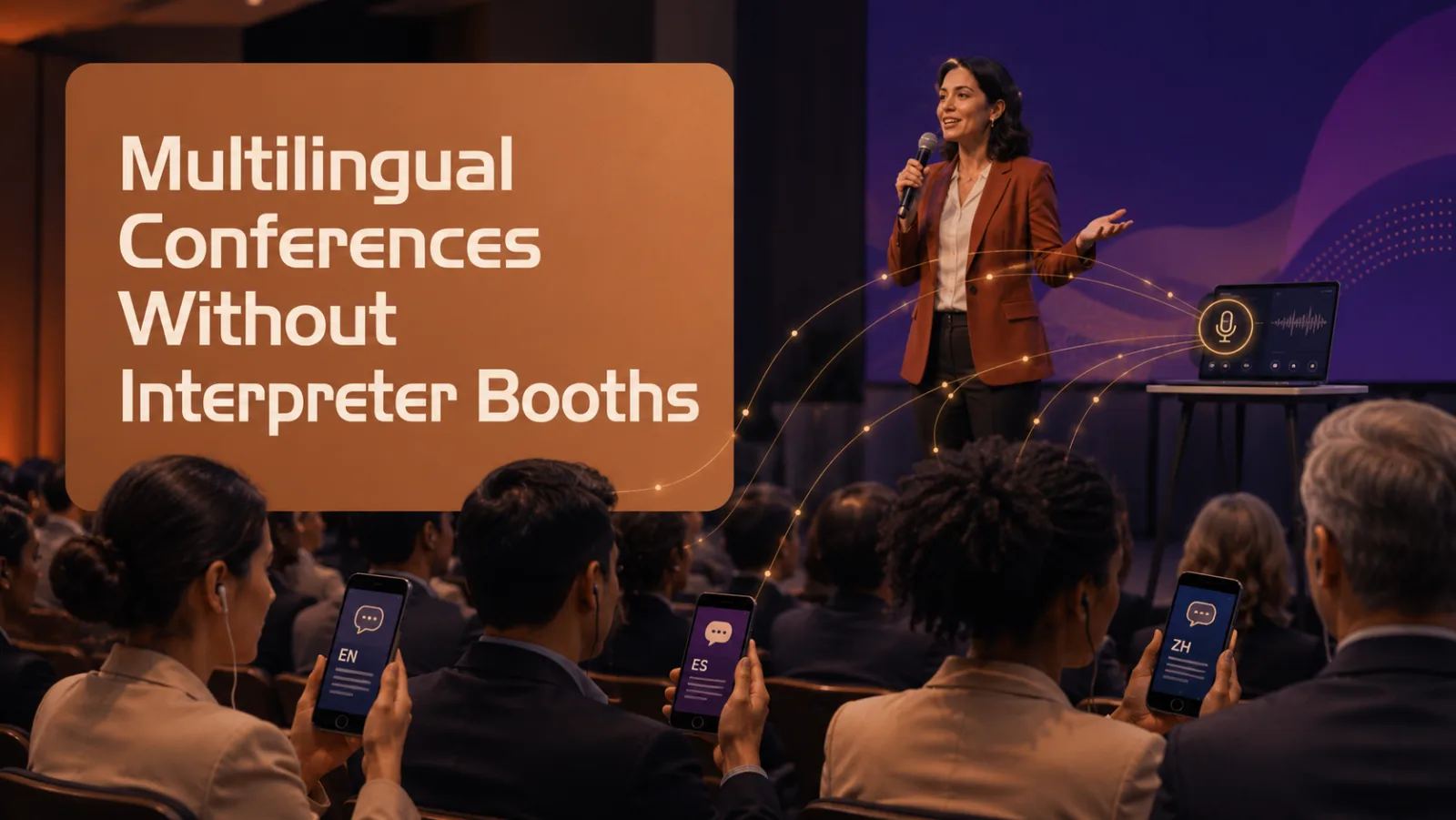
How to Run a Multilingual Conference Without Interpreter Booths
The venue is booked. The speakers are confirmed. International delegates are registering.
Then your AV team asks: “Where will the interpreter booths go?”
That is when you realise the room has no space for them — or the budget and schedule do not allow for a full interpretation setup.
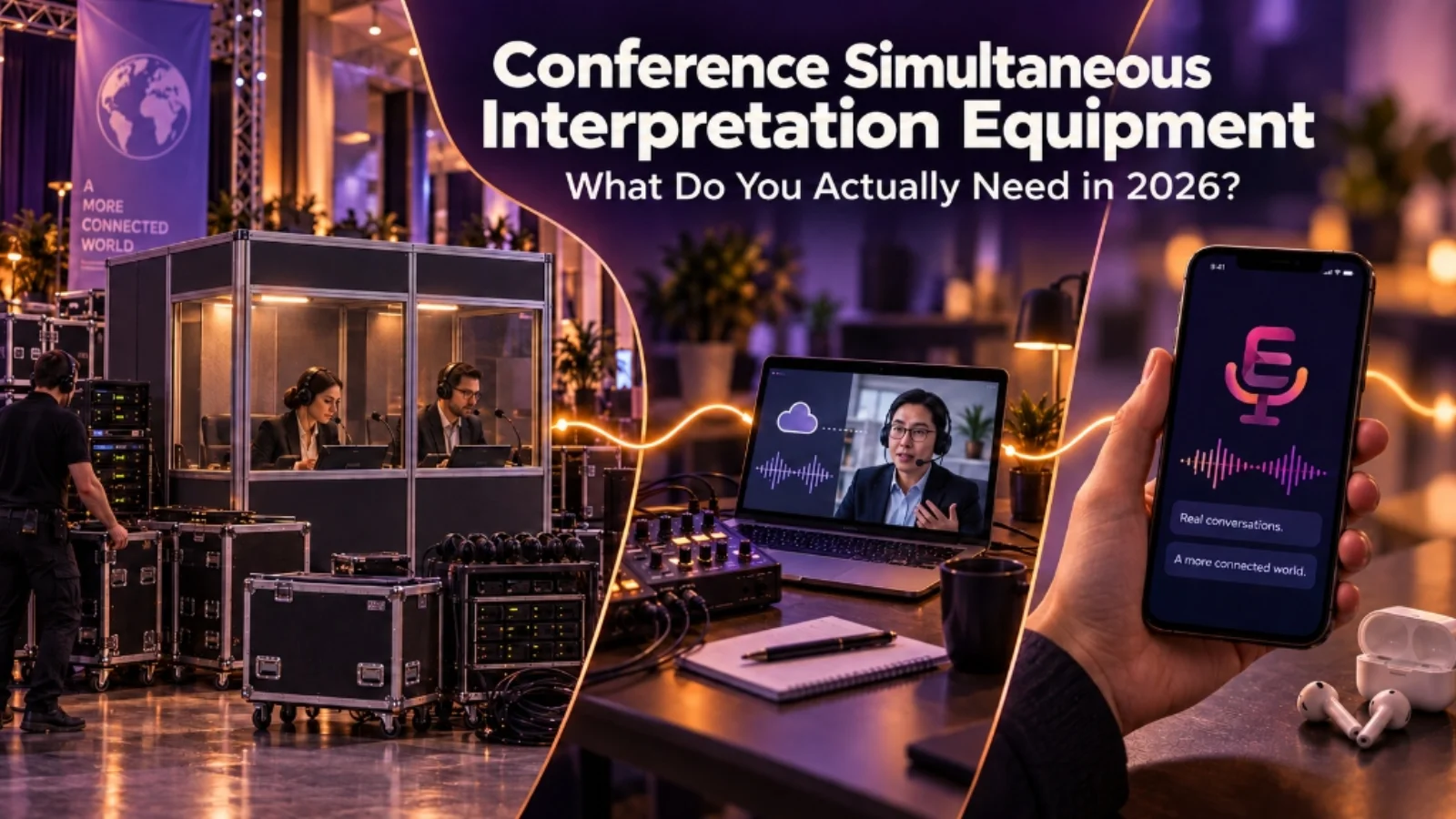
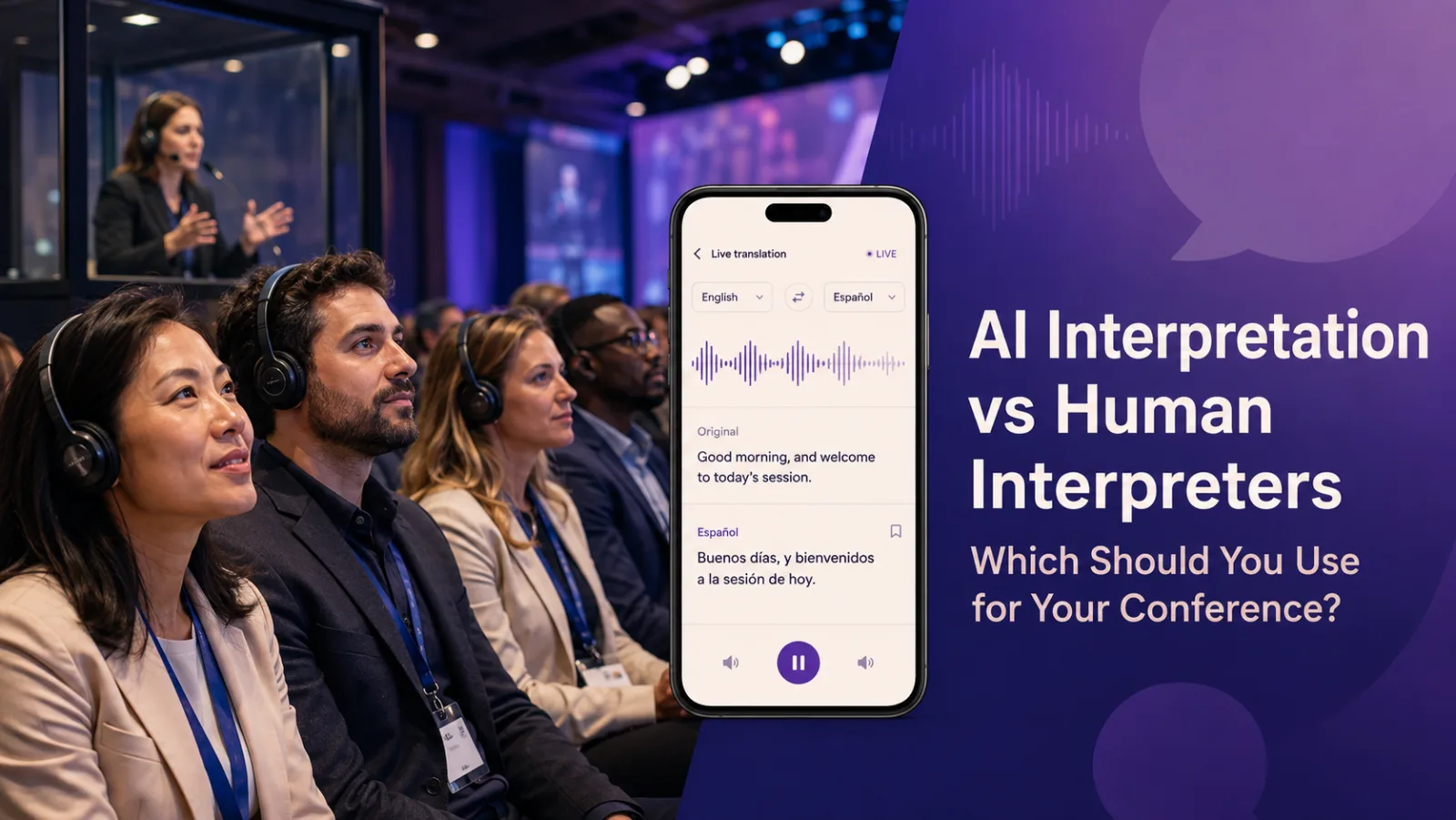
The good news is that a multilingual conference no longer has to begin with booths, radio receivers and a large amount of specialist hardware. For many conferences, workshops and international gatherings, AI live translation can deliver translated audio and text directly to attendees’ own phones.
The setup can be surprisingly straightforward: take a clean audio feed from the venue sound system, connect it to a laptop, generate a custom event link or QR code, and let attendees choose their preferred language.
Here is how to plan it properly.
What does a booth-free conference setup look like?
At its simplest, the setup follows one clear path:
- The speaker talks into the venue microphone.
- The sound desk sends a clean speech feed to a laptop.
- The live translation platform processes the speech into the selected languages.
- Attendees scan a QR code or open a link.
- They choose a language and listen through their own headphones, or follow the translated text on screen.
There is no need to construct interpreter booths inside the venue, and attendees do not need to collect a dedicated receiver. The main room can continue in its original language while each person follows the language they need on their own device.
When can this approach be especially useful?
An international conference in a hotel or hired venue
Hotel conference rooms often have limited floor space, and temporary booths can affect seating capacity or sightlines. A browser-based translation setup uses the venue’s existing microphones and sound desk, without adding a large physical installation.
A workshop with several small language groups
Perhaps most participants understand English, but smaller groups prefer Spanish, Cantonese, Mandarin or another language.
Instead of creating a separate physical channel for each group, attendees can choose individually from the languages prepared for the event.
Overseas guests register at the last minute
Language needs are not always known months in advance. An AI system can make it easier to add or adjust target languages without finding and scheduling a new interpreter team for every change.
A panel or Q&A with several microphones
Panel discussions move quickly between speakers, and audience questions may come from different parts of the room.
A setup that receives the venue’s microphone feeds can translate the full spoken programme, provided the microphones are configured and tested properly.
Breakout rooms with limited equipment
Not every breakout space can support a full interpretation installation. A simpler laptop-and-link setup can extend multilingual access beyond the main stage, as long as each room has clear audio and reliable connectivity.
Why organisers are considering AI live translation
AI translation is not simply about replacing a booth. It changes how multilingual access can be delivered.
Attendees can use their own phones, so organisers do not need to distribute, charge and collect hundreds of receivers. Different attendees can select different languages in the same room.
Translated text can also help people who prefer reading, want to check a name or technical term, or need to follow silently.
The setup is easier to adapt when audience numbers or language needs change. It can also make multilingual access realistic for smaller conferences and community events that could not justify a traditional installation.
Most importantly, translation becomes part of the attendee journey rather than a separate area hidden at the back of the room. A QR code in the registration email, event app or opening slide can give international guests access from the moment the programme begins.
How to set it up step by step
1. Confirm the source and target languages
Start by identifying the language spoken on stage and the languages attendees need. Ask during registration, while still allowing for late requests.
Also consider whether the event is mainly one-way — such as keynotes and presentations — or whether attendees need to speak back in different languages. Multilingual discussions require more planning than translating the stage for listeners.
2. Take a clean feed from the sound system
Audio quality matters more than almost anything else.
Send the microphone signal from the venue mixer or audio interface directly into the operator’s laptop. Do not rely on the laptop’s built-in microphone from the back of the room.
Background conversations, music, echo and distant speech all make accurate recognition more difficult. Ask every presenter and audience member to use a microphone, especially during panels and Q&A sessions.
3. Connect and configure the translation platform
On the laptop, select the correct audio input, choose the source language and enable the required output languages. Speak into each microphone and confirm that the input level is clear and steady.
Where possible, connect the operator’s laptop using wired internet. If attendees will use venue Wi-Fi, check that it can support the expected number of devices. Mobile data can provide another route where appropriate.
4. Add names and event terminology
Prepare speaker names, organisation names, product terms, abbreviations and recurring technical language before the event. Add them to the platform’s glossary if that feature is available.
This is a small preparation task that can make a noticeable difference to the translation experience.
5. Make joining simple
Share the QR code or custom event link before and during the event. Useful places include:
- Registration and reminder emails
- The event app or digital programme
- Entrance signs and table cards
- The first and final slide of each session
Tell attendees to bring headphones, and keep a small number available at the welcome desk. Give one team member responsibility for helping anyone who has difficulty joining.
6. Test a real session, not only a quiet microphone
Run a short rehearsal with the actual microphones, speakers, terminology and venue network.
Test a fast speaker, a panel handover and an audience question. Listen from an attendee’s phone and check both the translated audio and the text.
It is also wise to prepare a simple backup for essential information, such as translated safety instructions, key slides or a bilingual member of staff.
Where Event Translate fits
Event Translate is designed for live events that want to provide multilingual access without installing interpreter booths or distributing specialist receivers.
The organiser connects the venue audio to a laptop, and attendees scan a QR code to join through their browser. No app and no attendee account is required. They can choose from the languages enabled for the event and follow translated audio and live text on their own device.
Event Translate currently supports 35 output languages, multiple microphone inputs and custom glossary terms. These features can be useful for conferences with panel discussions, changing speakers or specialist names that need to be prepared in advance.
It is not intended to replace human judgement in every situation. Legal proceedings, medical communication, sensitive negotiations, safeguarding matters and other high-consequence content may still require qualified human interpreters.
But for general conference sessions, workshops, presentations and international gatherings, it can provide a practical middle ground: more accessible than offering no translation, but much simpler to deploy than a full booth-based installation.
Ready to try it in your own room? The best way to know whether it suits your event is to test it with your own microphones, speakers and terminology. Start a 20-minute free trial with no credit card required, or check what each plan includes.
Frequently asked questions
Can I run a multilingual conference without interpreter booths?
Yes. A live translation platform can receive audio from the venue sound system and deliver translated audio or text to attendees’ phones. The setup still needs clear microphones, a reliable internet connection and proper testing.
Do attendees need to download an app?
This depends on the platform. With Event Translate, attendees scan a QR code and join through their phone browser without creating an account or downloading an app.
Is AI translation suitable for every conference?
No. It can be useful for many general presentations, workshops and community events, but it may miss nuance or struggle when the audio is unclear, speakers overlap or terminology is highly specialised. Use qualified human interpreters when a mistake could have serious legal, medical, safety or personal consequences.