
Speech in, speech out
Listeners hear translated speech, not just captions, so their eyes stay on the speaker, the stage or the route. Captions run on the same page for anyone who prefers to read.
Event Translate translates live audio: it takes speech from a microphone or mixer and plays it back as translated AI voice and captions on each listener’s phone.
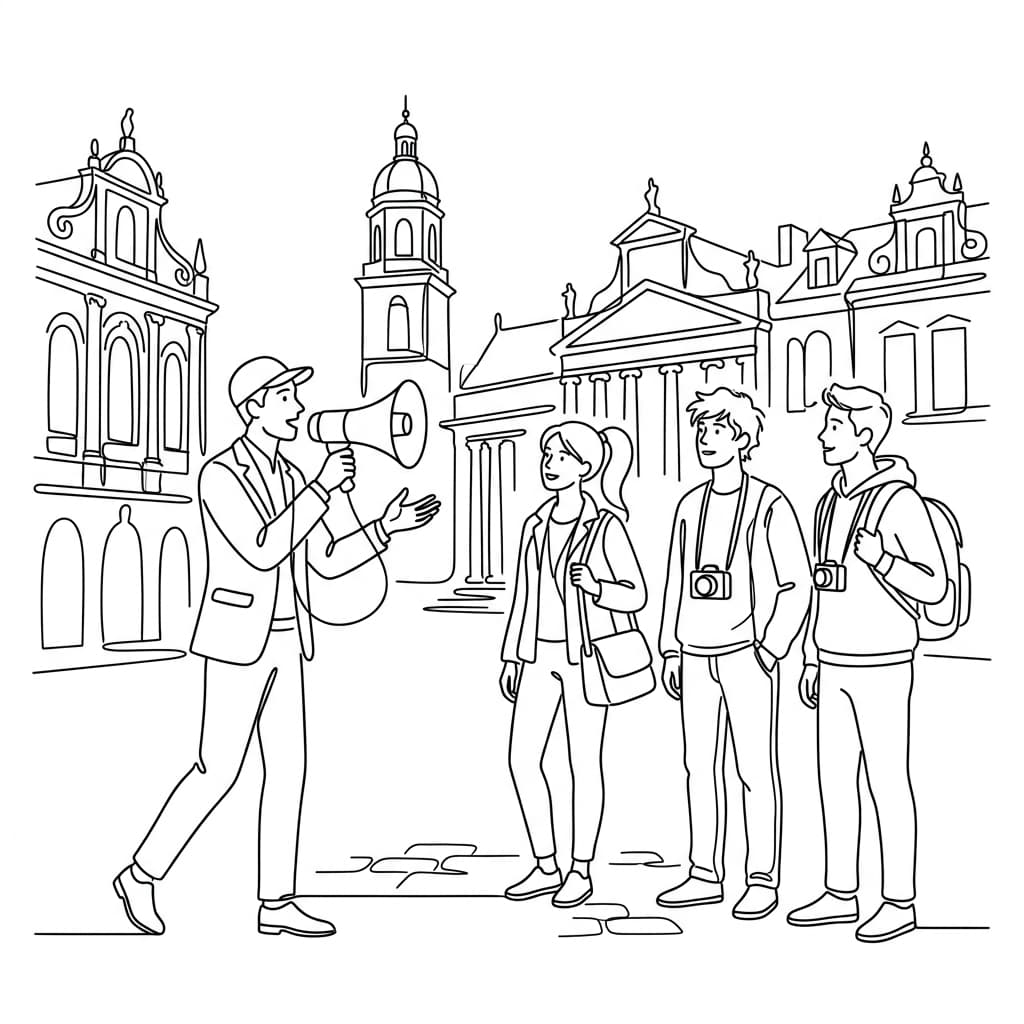
Listeners hear translated speech, not just captions, so their eyes stay on the speaker, the stage or the route. Captions run on the same page for anyone who prefers to read.
Each language channel uses a natural AI voice that adjusts its speed to match the speaker, so the translation keeps up with a fast talk and stays calm in a slow one.
A handheld or lapel mic, the venue mixer through a USB audio interface, or a phone with a lavalier on a walking tour. A clean speech signal is all it needs.
One audio feed can reach 35 target languages, several at once. Speakers can use any of 70+ languages and switch mid-talk; the system detects it automatically.
For AV teams and event organisers
Audio quality decides translation quality: start from the cleanest speech feed you have, then test what listeners hear on their phones.
Create the Stage, choose the target languages and connect the microphone or mixer output. Use the cleanest, driest speech signal you can, with little reverb, music or room noise.
Adjust the noise gate and voice-detection sensitivity while you listen, then rehearse with real speech. Treat around 0.5 s of translation delay after a natural speech break as a planning reference.
Listeners scan it, choose a language in their phone browser and listen through their own headphones. They can switch language at any time without rejoining.
Send one combined feed at the 1× rate, or two isolated L/R channels when two voices need independent processing. This Multi-mic mode uses the shared 2× credit factor.
Every target language arrives as translated audio and a live transcript, so each listener chooses headphones, captions or both.
After a brief drop, the operator and listeners reconnect on their own, and audio and transcripts resume without anyone re-scanning the QR code.
Credits follow broadcast time, target languages and mic mode. This illustration uses one hour and two target languages; use the pricing calculator for your own programme.
On-demand credits start from £4 an hour for one target language, with no monthly or annual fee.
A single microphone or combined venue feed.
1 hour × 2 target languages × 1 = 120 credits
Two isolated L/R channels for two voices processed independently.
1 hour × 2 target languages × 2 = 240 credits
Live audio translation turns spoken audio into another language while it is being spoken and plays the result back as audio. Event Translate takes a microphone or mixer feed, translates each phrase with AI and streams a natural voice and captions to every listener’s phone.
Translation typically starts arriving around 0.5 seconds after a natural speech pause. The full delay varies with the speech and connectivity, so rehearse with the real speaker and audio feed.
A laptop or phone with reliable internet and a clear speech feed: a microphone, or the venue mixer through a compatible USB audio interface. Listeners need their own phones, plus headphones for audio.
No. Credits follow broadcast minutes, target languages and mic mode only. Allow about 100 kbps per connected listener when you check the venue network.
Skip the box of rented receivers. Let visitors follow your guided tour in their own language, on their own phones, with live AI interpretation and text.
Live AI translation for guided tours. Visitors scan a QR code and listen on their own phones, no receivers.
AI interpretation for talks and meetings. Attendees hear the speaker in their own language on their phones.
Live AI interpretation for conferences, without booths, receivers or interpreter rotas.
Create a Stage, test the audience experience, and start with your first live session.