No receivers, one guide for every language
Visitors use their own phones and headphones, so there is no kit to charge, hand out and count back in. One guide leads a mixed-language group instead of splitting departures by language.
Visitors scan a QR code and follow your guide in their own language on their own phones, with no receivers to hand out. You need the guide’s phone and a compatible microphone.
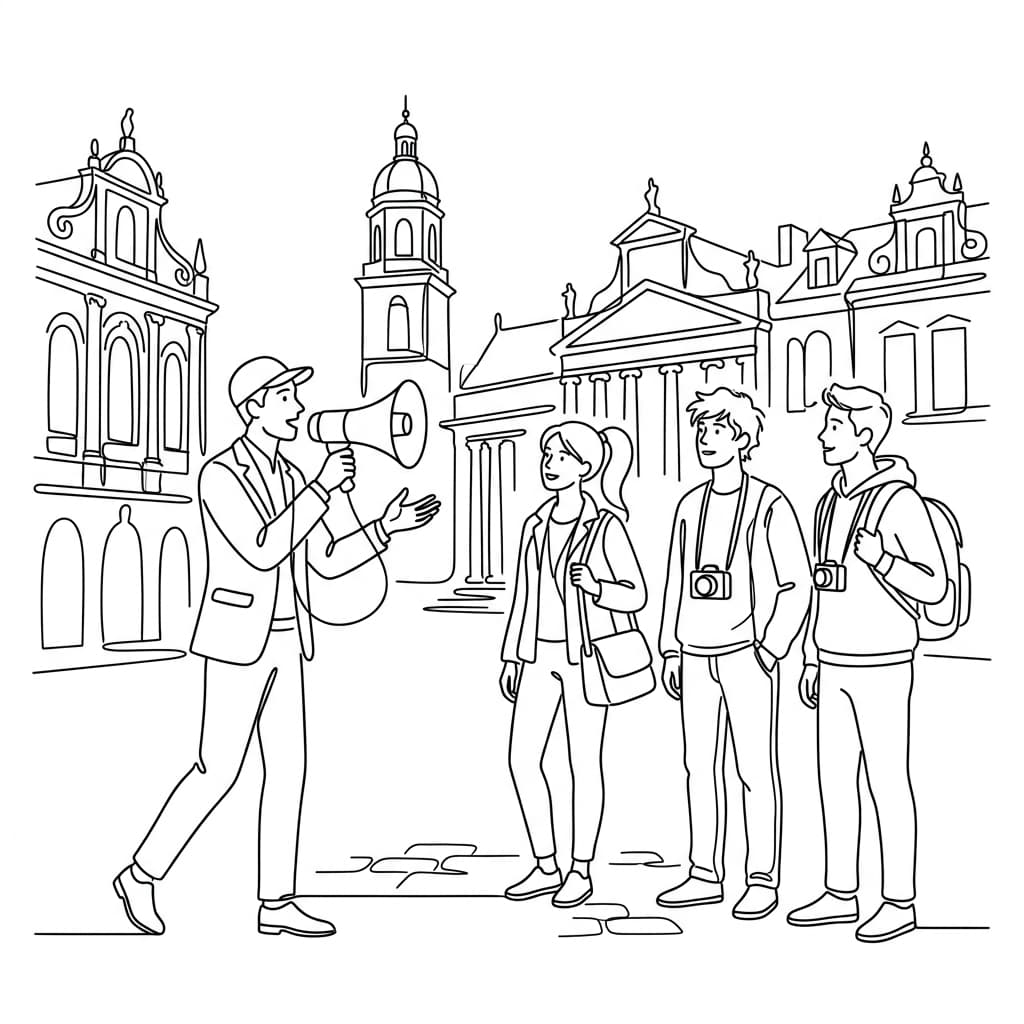
Visitors use their own phones and headphones, so there is no kit to charge, hand out and count back in. One guide leads a mixed-language group instead of splitting departures by language.
Keep one custom event link on your printed QR materials, and show your logo, tour title and banner colour on the listener page.
Buy on-demand credits with no monthly or annual fee, and stop the Stage on breaks and transfers so credits follow active broadcast minutes.
The guided tour preset and a custom glossary keep place names, exhibits and local terms consistent from guide to guide.
For tour operators
Prepare the guide’s phone and compatible microphone, then walk the route with the same connectivity and listener devices visitors will use.
Create the Stage, select the source and target languages, and connect the guide’s phone to a compatible microphone. Test clear speech at representative stops before visitors arrive.
Check portable WiFi or mobile data at each stop, including lifts and outdoor areas. Share the QR code at check-in, confirm that visitors can hear or read before the safety briefing, and stop the Stage during breaks or transfers.
Set the same Custom Event Link in Console Settings for repeat departures, cities, or days. Visitors can keep the same QR code while the operator starts a fresh Stage for each route and closes it after final directions.
The guide carries a familiar phone and compatible mic; visitors use their own phones and can choose translated audio or captions.
Use portable WiFi or mobile data with a stable signal on every device, and test the complete route instead of relying on reception-area coverage.
A Custom Event Link configured in Console Settings can stay on the same printed QR materials across cities and days, subject to the account’s current access.
Count active broadcast time rather than the full itinerary: daily broadcast hours × tour days × target languages × mic mode. Stop the Stage during breaks and transfers. This illustration uses two active hours per day, three days, and two target languages.
On-demand credits start from £4 an hour for one target language, with no monthly or annual fee.
Phone plus one compatible microphone for the route.
2 daily hours × 3 days × 2 target languages × 1 = 720 credits
A phone, a compatible microphone, the prepared source and target languages, and a tested listener link. Visitors use their own phones and can listen through headphones or read captions.
Walk the full route with portable WiFi or mobile data and check stable signal on every device, including lifts, outdoor areas, basements, and noisy stops. Stop the Stage during breaks or transfers so usage follows active speaking time.
Yes. Set the same Custom Event Link in Console Settings and reuse its QR code or link for repeat routes. Paid on-demand and subscription accounts can use a custom link; the link’s exact host follows the account’s current settings.
Count active broadcast hours per day, multiply by the number of tour days and target languages, then apply the mic factor. Stop the Stage during breaks and transfers; do not count the full elapsed itinerary as broadcast time.
Deliver safety-critical information clearly through the established site process. Live translation supports access but does not replace required signage, trained staff, barriers, or emergency procedures; review important instructions in advance and provide approved written versions where necessary.
Skip the box of rented receivers. Let visitors follow your guided tour in their own language, on their own phones, with live AI interpretation and text.
Live speech in, translated audio out. Listeners hear the speaker in their language on their own phones.
Live AI translation for conferences. Attendees choose their language and join by QR code.
A church translation system that runs on each person’s phone, for worship and community gatherings.
Create a Stage, test the audience experience, and start with your first live session.