No headsets or receivers to rent
A traditional church translation system needs a transmitter, plus a receiver and headset for every listener, charged, handed out and collected each week. Here each person uses their own phone and earphones.
Event Translate turns your congregation’s phones into a church translation system. Everyone follows the sermon, readings and notices in their own language, as audio or text.
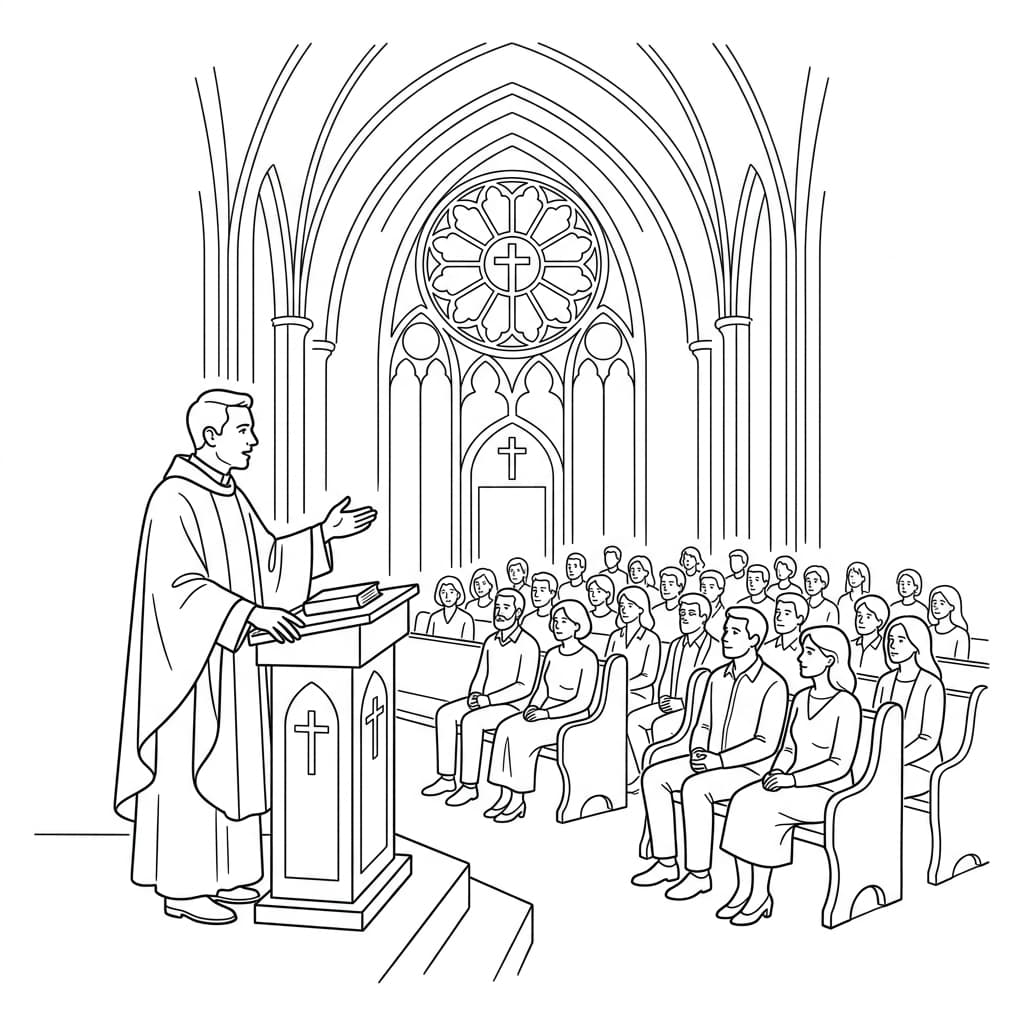
A traditional church translation system needs a transmitter, plus a receiver and headset for every listener, charged, handed out and collected each week. Here each person uses their own phone and earphones.
Newcomers, international students and members who prefer their heart language join the same service by one QR code. Each picks a language, and several languages run at once.
Translation runs alongside the preacher instead of after each sentence, so nobody pauses for an interpreter and the sermon is not cut to half its length to make room for one.
Brothers and sisters who interpret week after week can put the microphone down, sit with the congregation and take part in worship themselves.
One pulpit or mixing-desk feed and a QR code. You pay only for the minutes translated, and the church preset with your own glossary keeps names and theological terms accurate.
The AI live summary recaps the message as it unfolds, so anyone who drifted, arrived late or lost the thread can see where the preacher has got to.
For churches and community organisers
Prepare the Stage around the languages you expect, then test the microphone path and the joining link before the congregation arrives.
Create the Stage, choose the languages, and check the mic used by preachers, readers and guest speakers, including a handover between microphones. Clear source audio matters most.
Put the QR code or link on the welcome slide, entrance signage and printed notices, with a line on choosing a language and when to use headphones.
Start the Stage before the spoken programme and stop it after the final notices. Preachers and leaders keep speaking naturally to the whole congregation.
Each person picks a language on their own phone and stays seated with family and friends, rather than beside an interpreter.
Read translated text in quiet moments, or listen through a single earpiece and stay aware of the room.
One joining link and one short set of instructions, so the congregation, newcomers and volunteers know what to do.
Credits follow broadcast time, target languages, and mic mode. This illustration uses a 90-minute service and two target languages; use the pricing calculator for your own schedule.
On-demand credits start from £4 an hour for one target language, with no monthly or annual fee.
One clear source feed from the pulpit or mixing desk.
1.5 hours × 2 target languages × 1 = 180 credits
Two isolated L/R channels when two voices need independent processing.
1.5 hours × 2 target languages × 2 = 360 credits
A church translation system lets people who speak another language follow a service as it happens. Traditional setups pair an interpreter with radio transmitters and headsets. Event Translate uses AI instead: it translates the pulpit microphone live and sends audio and text to each person’s phone.
No. Listeners scan a QR code, choose a language in their phone browser and use their own earphones for audio, or read the translated text. There are no transmitters, receivers or charging stations to manage.
Yes. Everyone follows the translation on a personal device, so nobody has to sit beside an interpreter. Headphones keep the room experience shared.
It is built for clear speech: sermons, readings, prayers and notices. Hymns and group singing are not translated; show lyrics and responses on screen or in print when exact wording matters.
Confirm the Stage and languages, test the microphone feed, check the joining link, and make headphones available. A short check before doors open prevents most access problems.
Credits follow broadcast time, target languages and mic mode. The estimate on this page uses a 90-minute service and two target languages; use the pricing calculator for your own schedule.
Grandma travelled 6,000 miles for your wedding. Here is how AI live interpretation helps international guests follow the vows and speeches on their phones.
Live speech in, translated audio out. Listeners hear the speaker in their language on their own phones.
Live AI translation for conferences. Attendees choose their language and join by QR code.
Live AI translation for seminars and public talks. Attendees join by QR code, no app or login.
Create a Stage, test the audience experience, and start with your first live session.