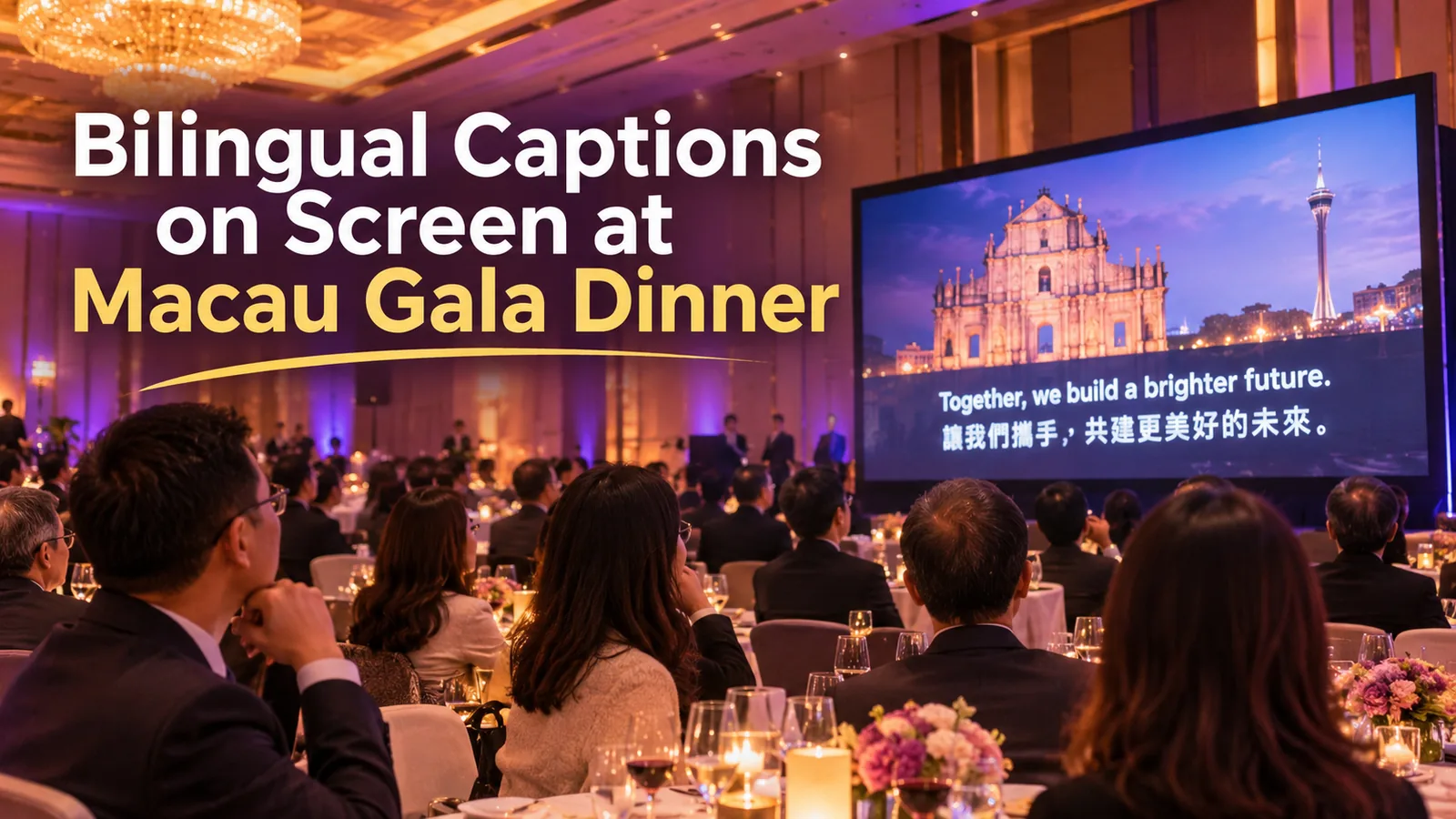
Bilingual Captions on Screen at Macau Gala Dinner
 Daniel Wong11 min readSoftware Engineer & Founder of Event Translate
Every bilingual dinner has a moment. The speaker lands a line in Cantonese, the room laughs, and a few tables away an overseas guest laughs too, a beat late and very politely, because everyone else did.
At the anniversary gala of the Macao IT Industry Union (MITIU) on 20 November 2026, that moment had a screen. When a speaker used Cantonese or Mandarin, English captions appeared. Whenever English was spoken, the captions switched to Chinese, in Traditional or Simplified characters as the organiser chose. The captions came from Event Translate’s captions on screen desktop app, which is free to download and costs nothing extra for anyone already using Event Translate’s live translation.
At a glance: MITIU 2026 IT Annual Conference and Anniversary Gala Dinner, Paris Restaurant, Legend Palace Hotel, Macau Fisherman’s Wharf, 20 November 2026, more than 250 attendees. Event Translate showed two-way captions on screen: Cantonese or Mandarin became English, and English became Chinese. Guests needed nothing but a view of the screen. No booths, no headsets, no interpreter scripts.
This post covers how that worked, why it matters in cities where two or three languages share one stage, and how to set it up for your own gala, annual dinner or conference.
What happened at the MITIU gala dinner in Macau?
MITIU held its 2026 IT Annual Conference and Anniversary Gala Dinner on 20 November at the Paris Restaurant of Legend Palace Hotel, Macau Fisherman’s Wharf. The theme was 「數智賦能·韌領前行」, roughly “empowered by digital intelligence, leading with resilience”.
According to MITIU’s own report on the evening, more than 250 people attended. They included representatives of several Macau government departments and the Liaison Office, IT companies, innovation and academic bodies, trade unions and the union’s own members.
The programme had the shape of many industry evenings in Macau. The union launched its survey report on Macau’s IT industry and careers. Five talks on AI security and digital transformation followed, with speakers including Kaspersky’s Asia-Pacific security adviser and Alibaba Cloud’s solutions architect for Hong Kong and Macau. Then came dinner: a toast from union president 林家健, the annual report from chairman 黃輝明, and a lucky draw.
MITIU’s write-up is, rightly, about the industry and its people. This post is about what happened on the screen. The captions followed whoever held the microphone. Cantonese and Mandarin remarks appeared in English for guests who don’t read Chinese, and English appeared in Chinese for guests more at home in Chinese. Nobody chose a channel, wore a headset or reached for a phone. The language on screen simply changed when the speaker’s did.
You can see it in the first photo of MITIU’s report. The guests of honour line up in front of the LED wall, hands on the screen for the ceremonial shot, and across the top runs a line of English: “photographer, Get ready and strike a pose.” That is the MC’s call for the photo, translated and captioned live as it was said. Even the housekeeping got a translation.
See it for yourself: open MITIU’s report on the evening and look at the first photo. The line of English across the top of the LED wall is our live caption.
What the organiser said: “Event Translate is really awesome and inspired me a lot — especially the live voice reproduction, and being able to pre-input key info to enrich the quality of translation.” Kevin, Macao IT Industry Union
What are two-way live captions, and how do they work?
Two-way live captions (also called bidirectional or bilingual live captions) listen to the speaker, detect which language is being spoken, and show a live translation in the other language on a shared screen. In a Chinese–English room, Cantonese or Mandarin becomes English captions, and English becomes Chinese captions, without anyone touching a setting mid-event.
With Event Translate, the chain is short:
- Audio from the sound desk goes into a laptop running the Event Translate desktop app, a free download for Mac and Windows that adds nothing to the cost of your translation.
- The app recognises the spoken language by itself. It detects more than 70 input languages, including a switch in the middle of a sentence.
- The translation appears on the projector, LED wall or side screen about half a second after each natural pause.
- The organiser sets the caption output: English when Chinese is spoken, and Chinese when English is spoken, in Traditional or Simplified characters.
- Optionally, guests scan a QR code to follow on their own phone, as audio or text, in any of 86 languages. No app or account needed.
What organisers tend to notice is what doesn’t happen. No headsets handed out at the door and counted back in at midnight. No booth at the back of the banquet room. No interpreter asking for the president’s speech a week in advance.
Why do Hong Kong and Macau events need captions in both directions?
Because the languages in the room don’t take turns. Hong Kong’s language policy is 兩文三語: two written languages (Chinese and English) and three spoken ones (Cantonese, Putonghua and English). Macau is often described as 三文四語: Chinese, Portuguese and English in writing, and Cantonese, Putonghua, Portuguese and English in speech.
At a gala, that turns into a guest list like this:
- Local guests who think in Cantonese and read Traditional Chinese
- Mainland partners and officials who speak Putonghua and often read Simplified Chinese more comfortably
- Overseas clients, investors and speakers who need English
A one-way setup, Chinese into English only, serves the last group and forgets everyone else the moment an English speaker takes the stage. Two-way captions keep all three in the conversation.
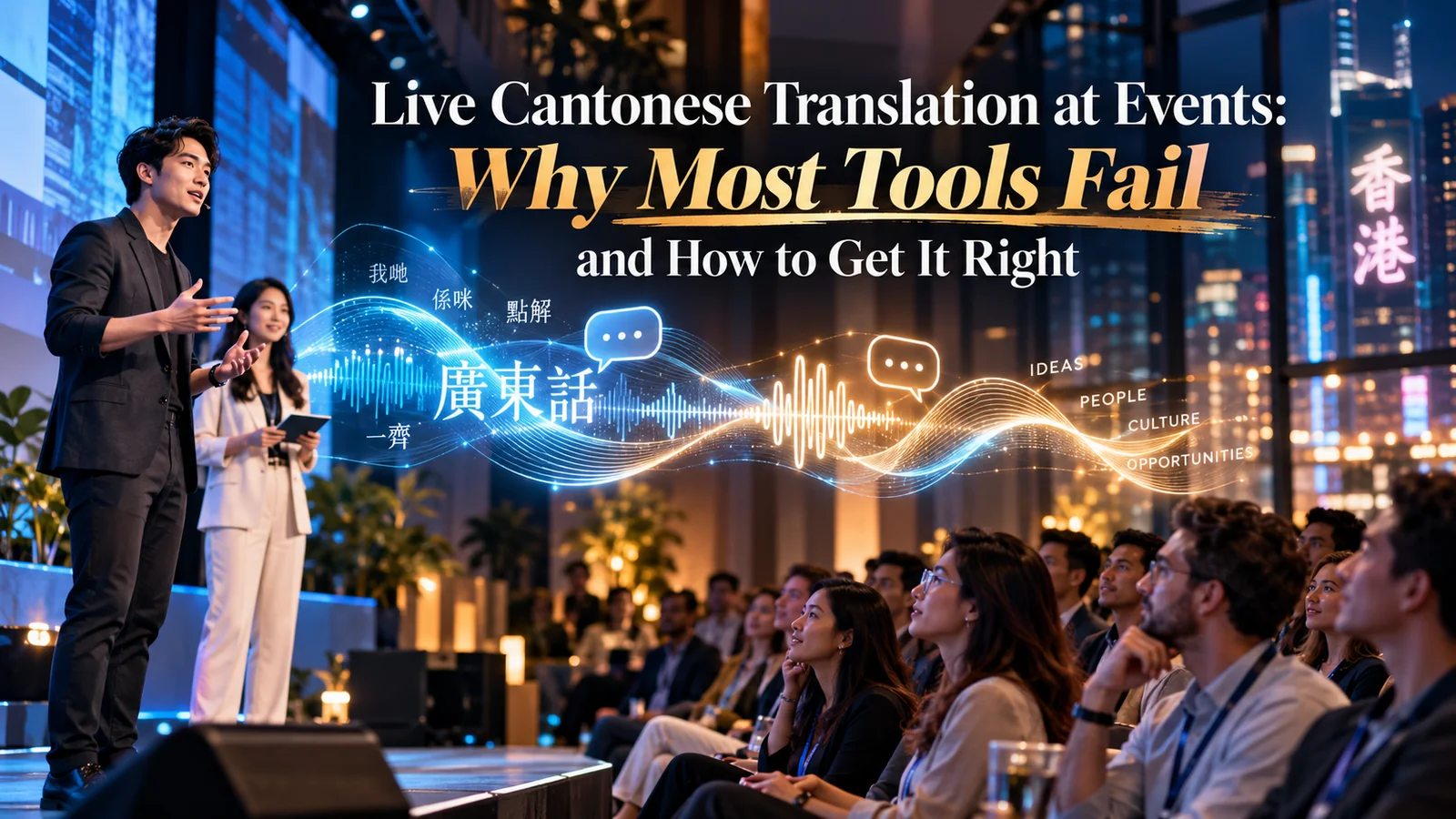
Then there is code-switching. In an IT crowd, a Cantonese sentence is often half English already: cloud, AI agent, zero trust, KPI. Tools built for tidy, single-language speech stumble on that mix. We explain why in Live Cantonese translation at events.
Traditional or Simplified is not a cosmetic choice either. Most Macau and Hong Kong guests read Traditional characters; many mainland guests read Simplified faster. Getting the script right is part of showing people the evening was planned with them in mind.
Who are bilingual captions really for?
The obvious answer is the international guests. The better answer is everyone who would otherwise sit through a speech nodding along.
- Overseas clients and partners. An annual dinner is where a local organisation shows its partners who it is. If they only follow the slides, they miss the thanks, the jokes and the warmth, which is most of what a gala is for.
- International speakers. Flying in a keynote is a statement. Captions let that speaker’s English land with local guests, and let the speaker follow the Cantonese remarks around them instead of smiling through them.
- Local guests. Not everyone in a Macau or Hong Kong room is at ease with fast English. Chinese captions during an English keynote quietly include older guests, frontline staff and mainland visitors.
- The organiser. A host who can see the whole room following along can stop worrying about the room and start enjoying the evening.
Being understood is a form of welcome. Guests notice when someone has thought about them before they arrived: the name card spelled right, the dietary note remembered, the speeches they can actually follow. Captions say, without a single announcement, “we expected you, and we want you in on this.”
That is the real return on inviting international guests or speakers. Not just that they came, but that they left feeling part of it.
How do captions compare with interpreters, headsets and a bilingual MC?
For a seated dinner, the useful comparison is less about accuracy and more about what each option asks of guests and of the organiser.
| Option | What guests need | Unscripted toasts and language switches | Setup | Watch out for |
|---|---|---|---|---|
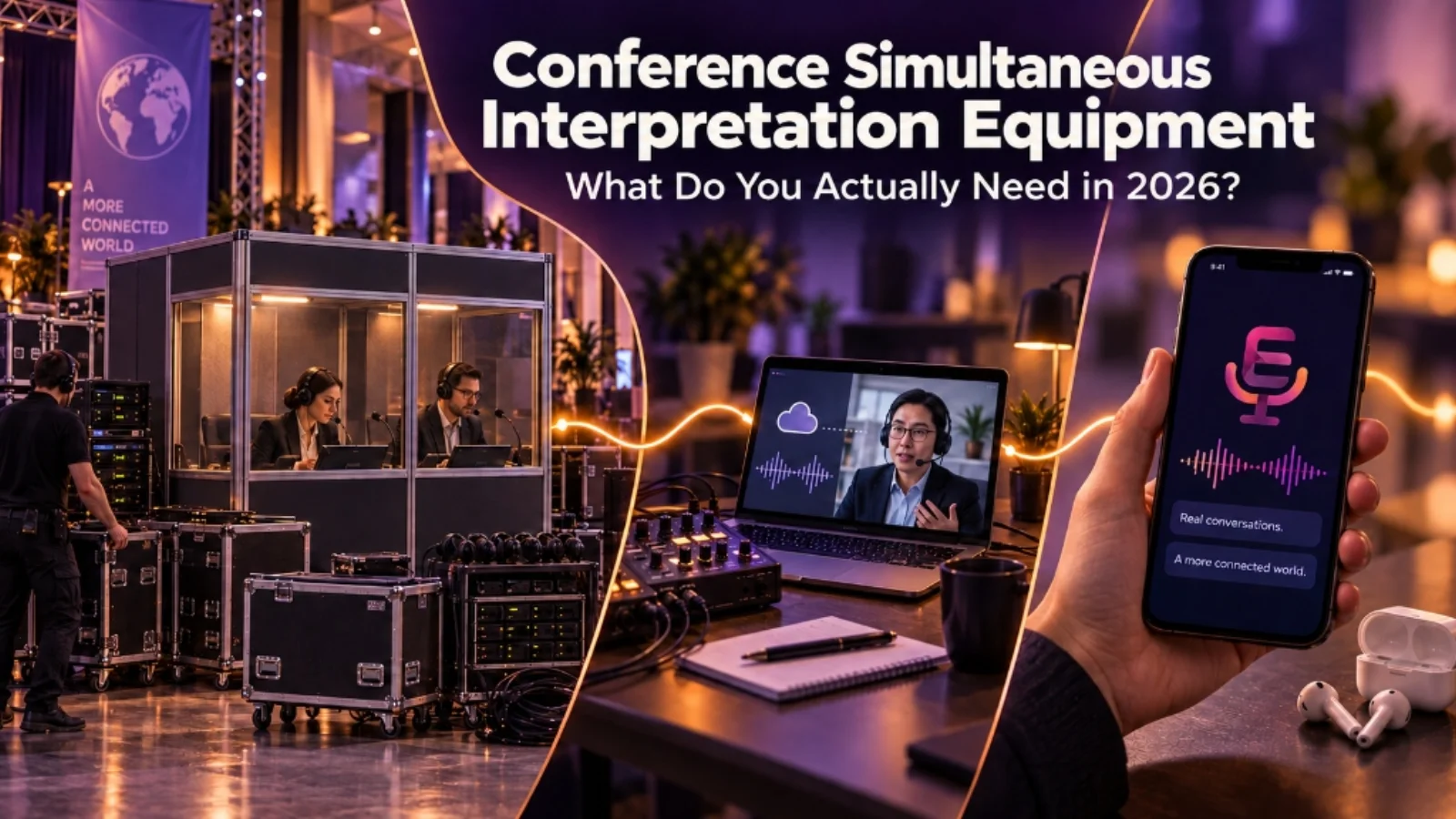
| Simultaneous interpreters with headsets | A receiver and headset at every seat that needs it | Handled well by skilled interpreters | Booth or tour-guide kit, technician, interpreters booked weeks ahead | Headsets at dinner tables, collecting them afterwards, cost per language and hour |
| Consecutive interpreter on stage | Nothing | Handled, one sentence at a time | One interpreter beside the speaker | Every speech takes twice as long; toasts lose their timing |
| Bilingual MC | Nothing | Only what the MC says | One confident host | Speeches, reports and toasts stay in one language |
| Pre-translated slides or scripts | A view of the screen | Not covered; only what was written in advance | Translation before the event | Speakers go off script; toasts are never on slides |
| Two-way AI captions on screen | A view of the screen (phone optional) | Switches automatically with the speaker | Laptop with the desktop app, audio feed from the sound desk, a screen | Names and jargon, crosstalk, a short delay after pauses |
Professional interpreters remain the right choice for negotiations, diplomatic protocol and anything legally binding. For a gala, where the goal is that everyone follows and feels included, captions on screen ask the least of guests. Event Translate is pay-as-you-go and guests never pay; see current pricing.
How do you set up two-way captions for a gala dinner?
Most of the work is the same as running good sound. Seven steps, in the order we would do them:
- Take audio from the sound desk, not a microphone in the room. Banquet halls are full of cutlery, applause and background music; a direct feed from the mixer gives the AI the voice and nothing else.
- Install the desktop app on the laptop that drives the caption screen. It runs on Mac (macOS 13 or later) and on Windows 10 (version 1809 or later) or Windows 11, and it is free to download.
- Choose the outputs: English captions for Chinese speech and Chinese captions for English speech. Pick Traditional or Simplified based on who is in the room.
- Make the captions readable from the back table: large text, two or three lines, high contrast. At MITIU, the captions ran as a single line across the top of the main LED wall, above the event’s key visual; a side screen works too if the main one is busy with slides.
- Rehearse with real voices. Ask the MC to read the VIP list and the sponsor names, and test a switch from Cantonese to English and back.
- Plan the noisy moments. During music, videos and the lucky draw, ask the sound engineer to drop the speech feed to the laptop so the captions don’t try to translate the soundtrack.
- Offer phones as a second option. Put the QR code on table cards so guests can follow on their own device in another language, or listen with an earbud.
What are the limits of AI captions at a gala?
AI captions are very good at keeping a room together and imperfect at a few predictable things. Plan for these and nobody will notice them:
- Names. A Chinese name can come out in Mandarin pinyin when the guest uses a Cantonese spelling, so 林 may appear as Lin rather than Lam. Add VIP and sponsor names to the glossary before the event, have the MC introduce guests by their English names, and print key names in the programme.
- Crosstalk and cheering. Two people speaking at once, or a speech over loud applause, leaves gaps.
- A short delay. Captions arrive about half a second after a natural pause, so a speaker who never pauses will see the text trail behind.
- Not a formal record. For legal, diplomatic or contractual moments, book professional interpreters and treat captions as a companion, not a substitute.
Which other events in Hong Kong, Macau and the Greater Bay Area could use this?
Any event where the guest list speaks more than one language and the organiser wants all of them in the room, not just at the table:
- Anniversary dinners of industry associations, unions and chambers of commerce
- Corporate annual dinners and spring receptions (春茗) with colleagues from overseas offices
- Conferences and summits that invite international speakers, especially in AI, finance and technology
- MICE events, incentive trips and product launches in Macau’s integrated resorts
- Award ceremonies and university events with overseas guests
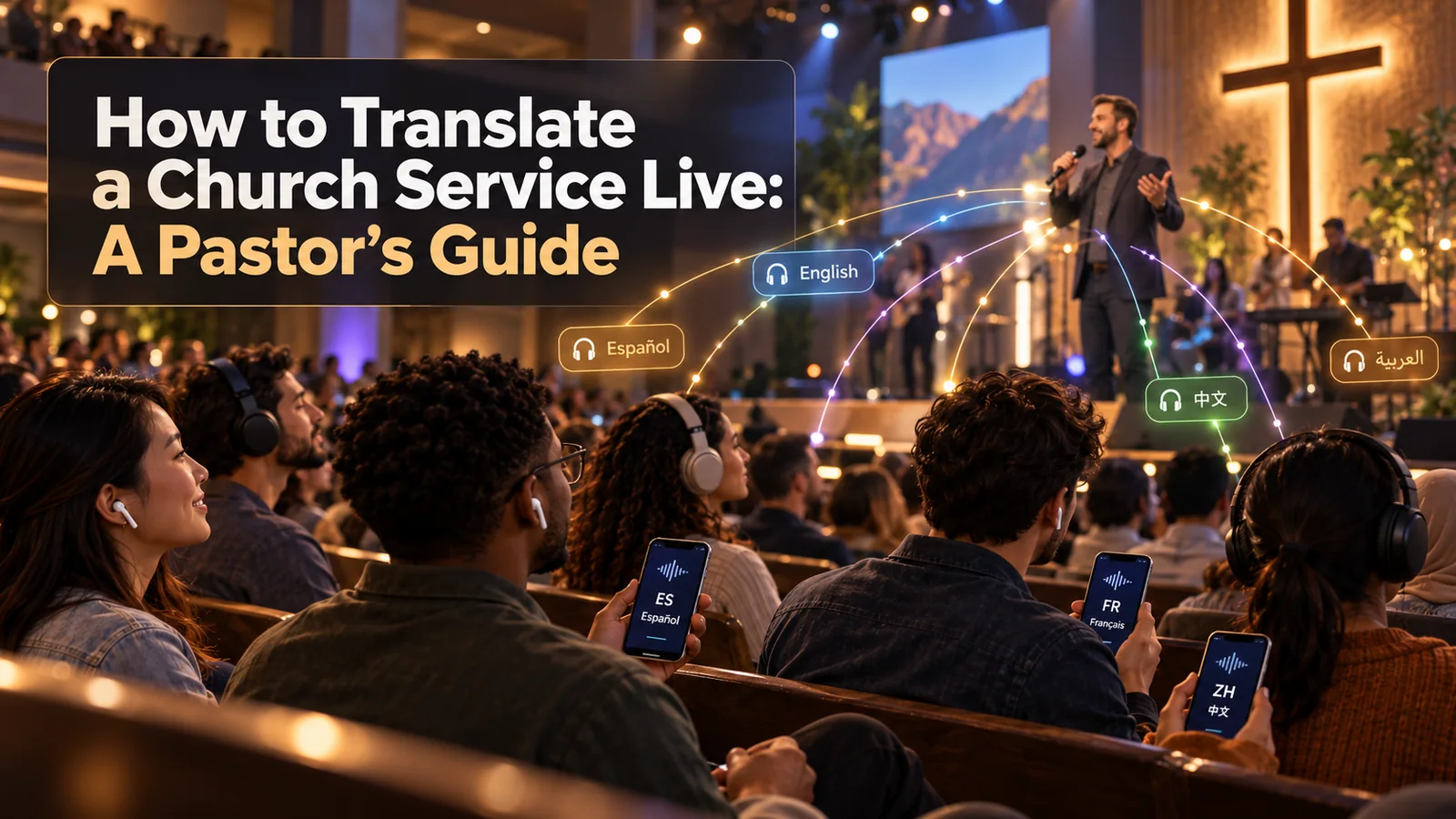
- Church anniversaries and joint services with visiting churches (see our guide to translating a church service live)
- Weddings where one side of the family speaks Cantonese and the other speaks English
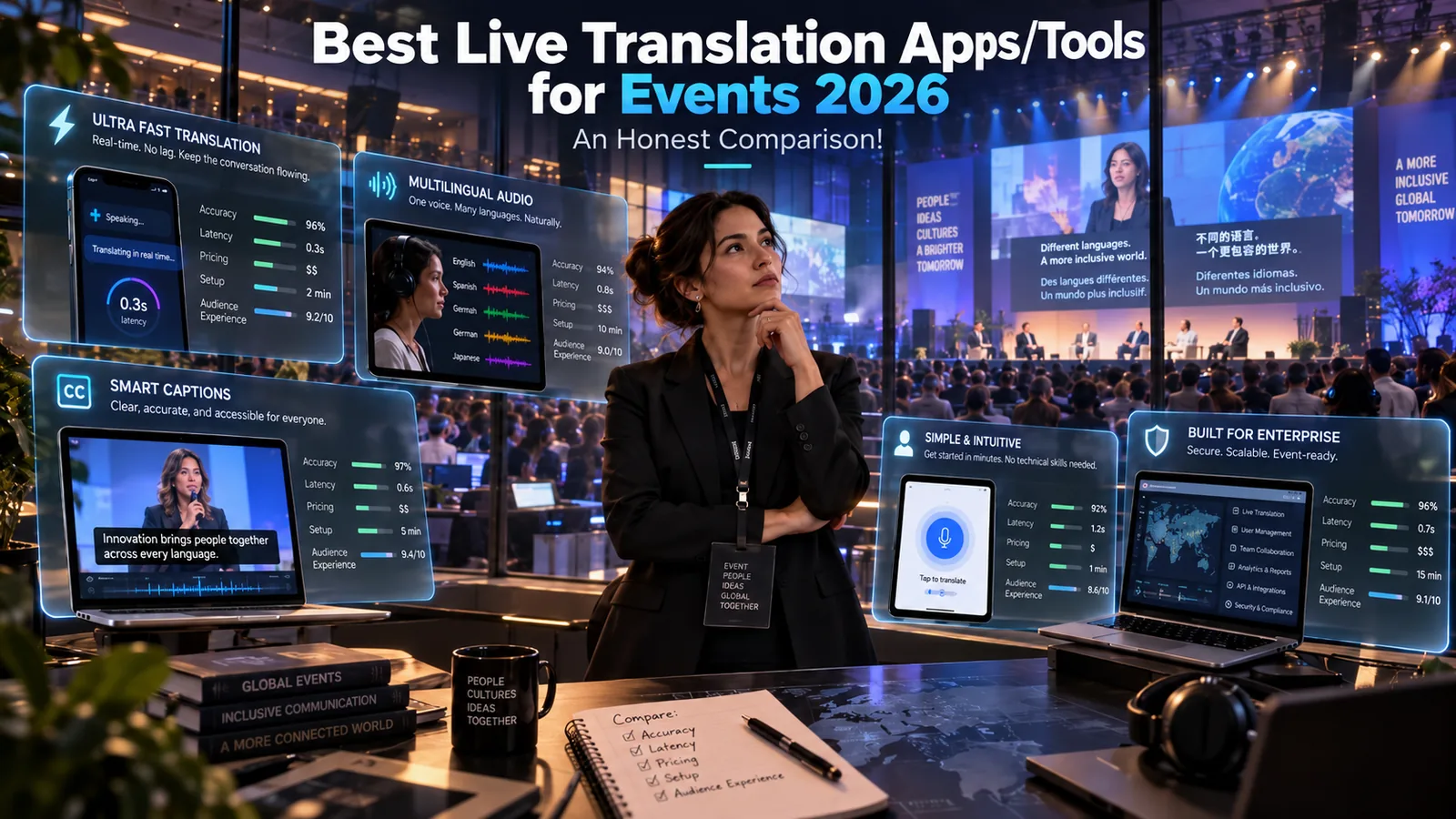
As of November 2026, Event Translate has been used in more than 16 countries, at expos, conferences, guided tours, fundraising events, weddings, corporate galas and classes. More setups for conferences and organisations are on our conference events page, and our honest comparison of live translation tools covers the alternatives.
Planning a bilingual dinner or conference?
If your next event in Hong Kong, Macau or anywhere else has guests who don’t share one language, we would love to show you what two-way captions look like on your own screen. Book a 20-minute demo, bring your programme, and we will walk through the setup with you.
Frequently asked questions
What are two-way live captions?
Live captions that detect which language a speaker is using and show a translation in the other language on screen. At a Chinese–English event, Cantonese or Mandarin appears as English, and English appears as Chinese.
Can live captions switch between Cantonese, Mandarin and English automatically?
Yes. Event Translate detects more than 70 input languages automatically, including switches in the middle of a sentence, so nobody changes settings when the microphone changes hands.
Can the Chinese captions be in Traditional or Simplified characters?
Yes. The organiser chooses Traditional or Simplified Chinese for the caption output. Traditional suits most Hong Kong and Macau audiences; Simplified suits many mainland guests.
Do guests need to download an app?
No. Captions on the screen need nothing from guests. If you also share the QR code, guests open captions or audio in their phone’s browser, with no app and no account.
What equipment do we need for captions on screen?
A Mac (macOS 13 or later) or a Windows 10 or 11 laptop running the free Event Translate desktop app, an audio feed from the sound desk, an internet connection, and a projector or screen.
Is the captions on screen app free?
Yes. The Event Translate desktop app is a free download for Mac and Windows. If you already use Event Translate for live translation, captions on screen is a free add-on: going live uses credits at the same rate as the browser version, with no separate fee.
How much do live captions cost?
Event Translate is pay-as-you-go. One credit covers one minute of one target language, guests never pay, and current packs are listed on the pricing page.
Is the audio recorded?
No. Audio is never stored. Transcripts and translations are kept as event records unless the organiser switches that setting off, and AI providers are contractually barred from training on your content.
Can AI captions replace interpreters?
For galas, dinners and most conferences, captions let everyone follow along with far less setup. For negotiations, diplomatic protocol or legally binding statements, professional interpreters are still the right call.